The many CAD programs have given the classic hand drawing a run for its money. It's easy to use the computer, and many also find it more useful and professional-looking. But hand drawing is still relevant. This is because it can do something completely different to the computer.
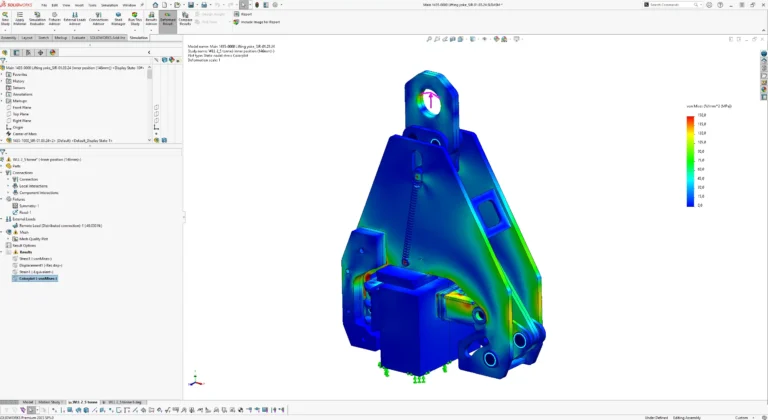
CAD (Computer Aided Design) differentiates itself from a hand sketch on two primary parameters: it takes longer to create and includes far more detail.
When choosing between your hand or the computer, you should assess whether it's worth the time to define more details.
A simple example could be if you had to draw a swing. On a CAD drawing, you have to consider much more than just drawing the lines for a frame, a seat, and the two ropes connecting them. For instance, you need to decide what material the seat should be made of, whether it should be plastic or metal, what colour it should be, as well as all the dimensions. And the same applies to the frame and the ropes.
The many details are not necessarily an advantage. When the materials have already been decided, it quickly becomes the engineer's vision that is realised, not the customer's. However, if you let the customer play around, more creative alternatives usually arise.
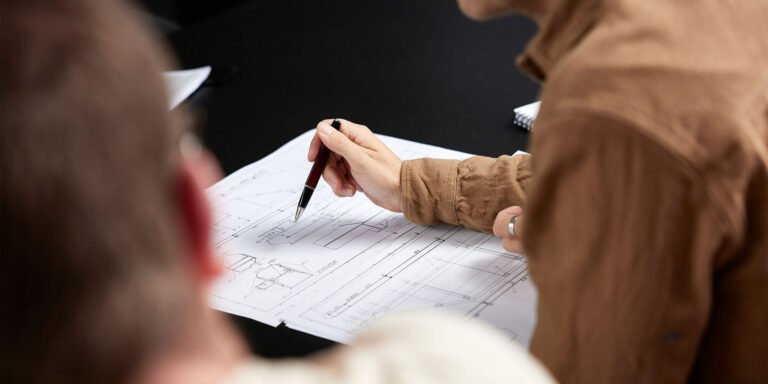
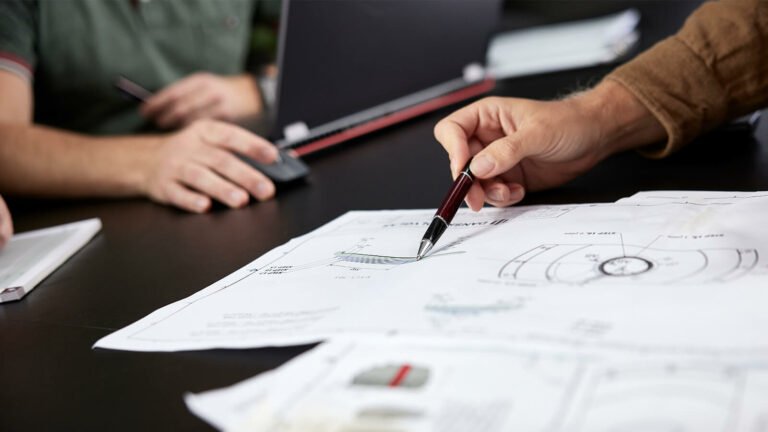
As an added bonus, the freehand sketch is often easier to understand because it is simpler. Here the engineer does not need to account for a whole lot of choices or cancellations, as a CAD drawing otherwise requires.
You don't need to defend why a box is made of a particular type of material, and why it's bent and welded in one way or another, if all you wanted to say was that there needs to be a box of such and such dimensions.
Improved flow and creativity
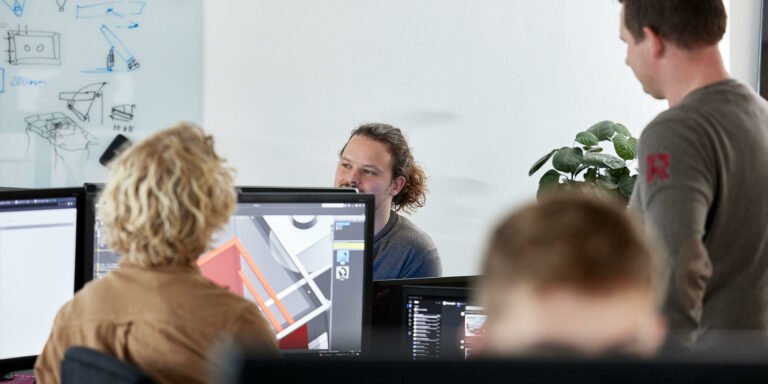
A hand sketch also makes it easier to talk together and be in creative flow. It is paramount for an innovation company that quick, visual descriptions can be made during the process.
Regardless of the project's size, there are often several people involved, all with their own ideas. The complexity of CAD software often pauses the innovative flow. With a hand sketch, on the other hand, you can quickly draw a line immediately and keep communication going. You can build on others' suggestions, revise your own, or start over without having to get out your computer to draw up all the ideas in a time-consuming CAD program.
You can easily use your computer instead of pen and paper though. If you have an online meeting, for example, you can easily create a hand sketch in a simple note-taking or drawing program to illustrate your point. Here too, the agile process will make communication flow more smoothly.
If you can draw a line, you can draw anything
At Rosenstand Engineering, we've had several projects where we relied solely on hand sketches well into the process. We've also had a few instances where we never needed to use CAD.
We find that newly qualified graduates in particular are happy to use CAD, and that hand-sketches are thus mostly for the more experienced engineers.
And yes, it can feel anxiety-provoking to be judged on your drawing skills, but we would recommend you to go for it at any time.
Because it's not about the customer knowing all the details at first. If we take the swing as an example again, they don't need to know if it's hanging on chains or rope to begin with. All they need to know is that the swing is held in place.
A sketch is simple because it's meant to simplify communication between you and your clients or collaborators, so you can understand each other more easily and simultaneously save time and resources that are better spent elsewhere.
As an engineer, you can also use hand-drawing for your own benefit. For example, when a customer asks what a machine will cost, you can quickly sketch it and see how many parts the machine consists of, and how complex the task is.
The sketch helps you to make a qualified estimate so you can send a concrete offer without spending oceans of time on it.
Whatever you need your sketch for, remember that it's not about creating great art. If you can draw a line, a square, and a circle, then you can draw anything. Just get started.